
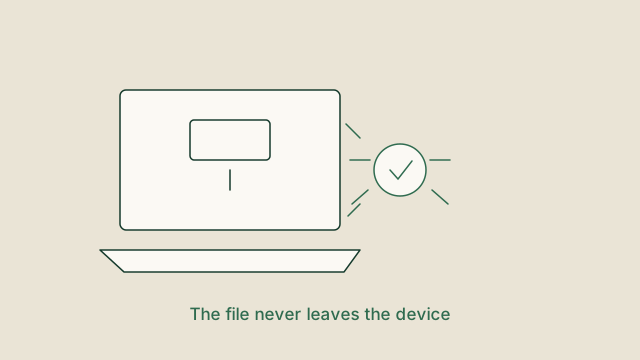
Most online converters work the same way: your file is uploaded, processed on a server somewhere, and returned to you. That is a perfectly reasonable design, but it deserves to be understood rather than assumed.
What the network tab tells you
Open your browser's developer tools, switch to the network panel and convert a file. On a genuinely local tool, the only requests are the page, its stylesheet, its scripts and possibly a codec download. You will not see your file leaving.
On a server-side tool you will see a POST request carrying your data. The size of that request is a good clue: a 20 MB document needs a 20 MB upload before anything can start.
The questions worth asking
- Does the site ask for an account before letting you download? If so, it now
connects a file to an identity.
- How long does the site say it keeps uploads? A vague answer usually means
indefinitely.
- Is there a stated retention period and a deletion mechanism? That is the sign
of a service that has thought about it.
- Does the privacy policy describe server-side processing at all? If it claims
nothing is uploaded, the network panel will confirm or contradict it.
Why local processing is not always possible
Browsers ship a limited set of codecs. Converting a HEIC photo, re-encoding an MKV video or rendering a DOCX document needs libraries that are simply not part of the platform. WebAssembly closes much of that gap by running compiled code inside the page, but the modules are large, so the honest approach is to load them only for the tools that need them.
A practical rule
For anything sensitive, prefer a tool that can do the work locally, verify it with the network panel, and keep an eye on whether the file is ever transmitted. That check takes ten seconds and tells you more than any privacy badge.
Try it yourself
The tools mentioned in this article are free and need no account. Supported tools process files on your device.
DOCX to HTML
Documents
Convert DOCX to HTML directly in the browser without uploading your file or creating an account.
DOCX to PDF
Documents
Convert DOCX to PDF directly in the browser without uploading your file or creating an account.
DOCX to TXT
Documents
Convert DOCX to TXT directly in the browser without uploading your file or creating an account.
HTML to TXT
Documents
Convert HTML, HTM to TXT directly in the browser without uploading your file or creating an account.