
Converting a JPG to PNG is one of the most requested image conversions, and it is also the one surrounded by the most confusion.
The short answer
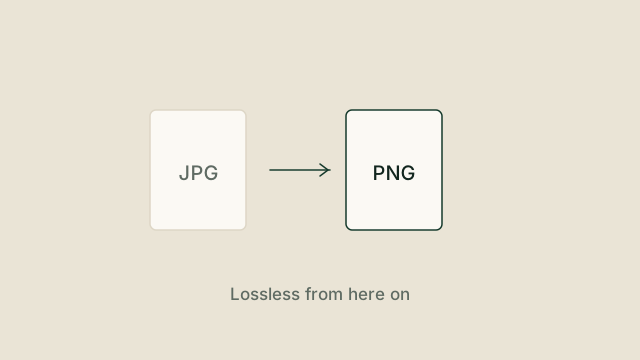
A PNG copy of a JPG is exactly as good as the JPG, and no better. You gain a lossless container, an alpha channel and predictable editing. You do not gain detail that the JPG had already discarded.
- Lossless from here on. Once the pixels are in a PNG, you can open, save and
re-save it as many times as you like without further degradation.
- Transparency becomes possible. PNG supports an alpha channel, so you can
remove a background later.
- The file gets larger. Much larger, in the case of photographs. PNG stores
every pixel rather than approximating blocks of them.
When converting JPG to PNG is the right move
Convert when you are about to edit, when you need a transparent background, or when a tool refuses anything but PNG. Screenshots, interface mockups and diagrams are natural fits because they contain flat colour and sharp edges that JPG handles badly in the first place.
When it is the wrong move
If the goal is a smaller file for a website, going from JPG to PNG will make things worse. Keep the JPG and consider WebP or AVIF instead, or genuinely reduce the image dimensions.
Conversion changes the container. It does not change what is inside it.
Doing it on your own device
Because browsers can decode JPG and encode PNG natively, this particular conversion needs nothing more than canvas and a blob. That is why it is one of the first tools that can run entirely in your browser, with no upload step and no waiting for a server.
Try it yourself
The tools mentioned in this article are free and need no account. Supported tools process files on your device.
DOCX to HTML
Documents
Convert DOCX to HTML directly in the browser without uploading your file or creating an account.
DOCX to PDF
Documents
Convert DOCX to PDF directly in the browser without uploading your file or creating an account.
DOCX to TXT
Documents
Convert DOCX to TXT directly in the browser without uploading your file or creating an account.
HTML to TXT
Documents
Convert HTML, HTM to TXT directly in the browser without uploading your file or creating an account.