
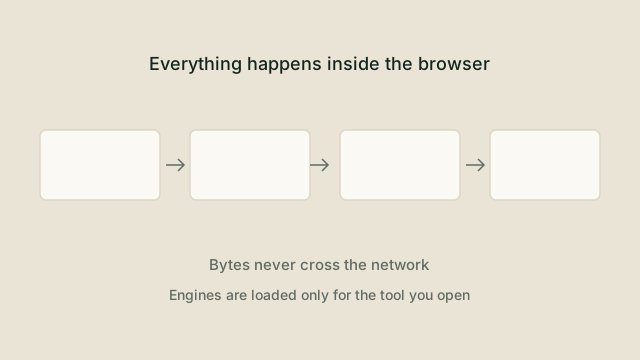
Ten years ago, converting a file in the browser was a novelty. Today the platform provides almost everything a native application would use.
The four pieces
- The File API gives a page a handle to a file the user selected, without
needing to read it all into memory at once.
- Web Workers move heavy work off the main thread, so the interface keeps
responding and progress can be reported honestly.
- WebAssembly runs compiled code at near-native speed, which is how FFmpeg,
PDF renderers and image codecs reach the browser.
- Blob URLs turn the finished bytes in memory into something the browser can
download, with no server involved.
Why this matters for cost and for trust
Server-side conversion costs money per file, which is why so many free tools throttle, watermark or push a subscription. Local conversion moves that cost to the user's device, where it is effectively free. The side effect is a much stronger privacy story: there is no upload to retain, log or leak.
The honest limitations
Not every format can be handled locally yet. Some codecs are enormous, some devices have little memory, and mobile browsers are more restrictive than desktop ones. A good interface says so before the user picks a file, rather than failing halfway through a progress bar.
How AnyFileConvertor is structured
Every tool is described by a single configuration entry: input formats, output formats, an engine key, a size ceiling and whether processing is local. The engine itself is a separate module with a common interface, so adding a new family of conversions means adding an engine rather than rewriting the site.
Try it yourself
The tools mentioned in this article are free and need no account. Supported tools process files on your device.
DOCX to HTML
Documents
Convert DOCX to HTML directly in the browser without uploading your file or creating an account.
DOCX to PDF
Documents
Convert DOCX to PDF directly in the browser without uploading your file or creating an account.
DOCX to TXT
Documents
Convert DOCX to TXT directly in the browser without uploading your file or creating an account.
HTML to TXT
Documents
Convert HTML, HTM to TXT directly in the browser without uploading your file or creating an account.